Как миллиардеры работают удаленно: лучшие рабочие места для удаленной работы
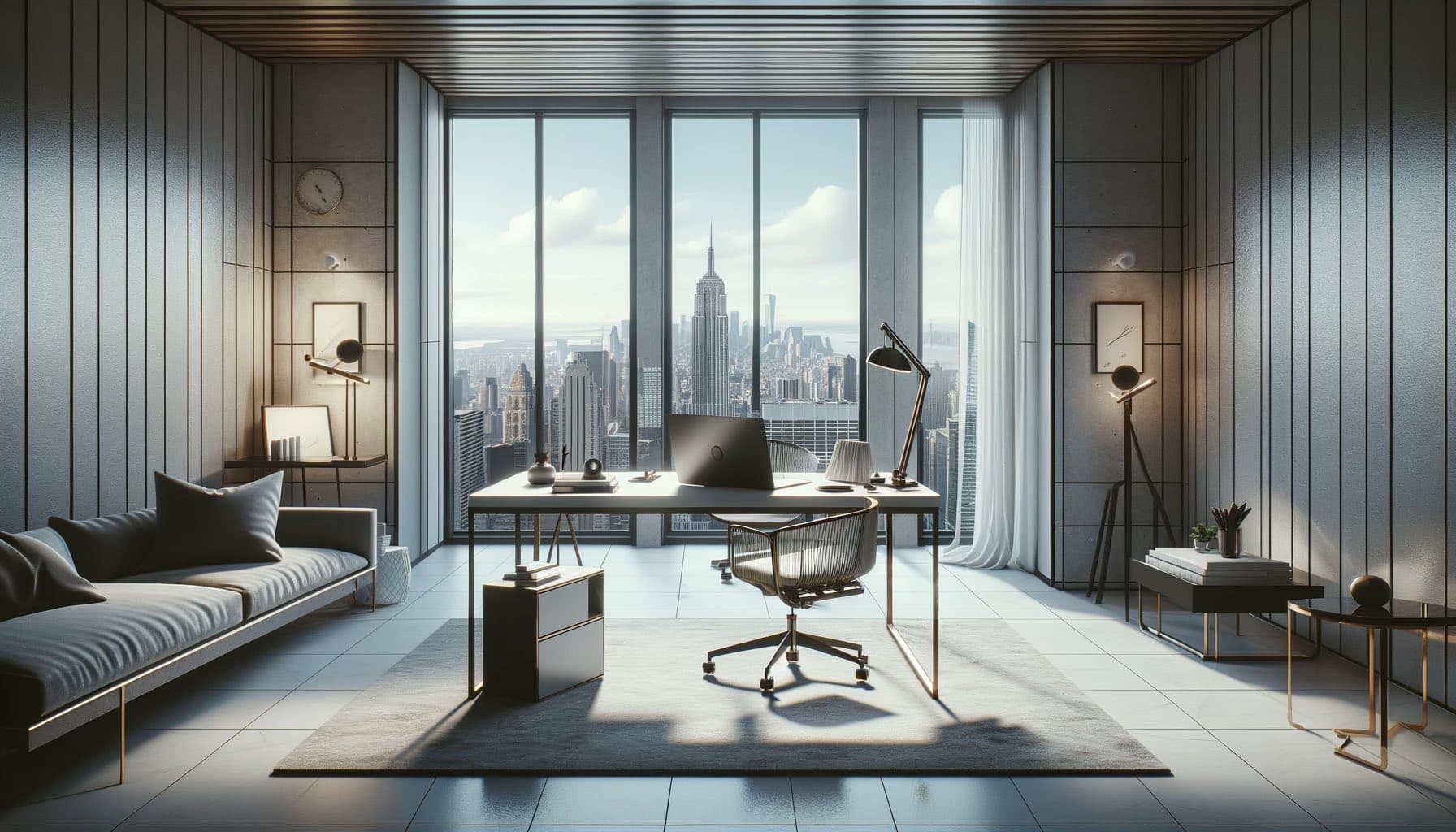
Когда миллиардеры работают удаленно, они не просто открывают ноутбук за кухонным столом. Они создают среды, разработанные для максимальной продуктивности, здоровья и концентрации. Хотя большинство из нас не может в точности воспроизвести их установки, понимание того, что самые успешные люди в мире считают приоритетом в рабочем пространстве, раскрывает принципы, которые может применить каждый — и многие из инструментов более доступны, чем вы думаете.
Философия: Окружающая среда формирует производительность
Лучшие исполнители понимают, что ваше физическое окружение напрямую влияет на когнитивные способности. Исследования Гарварда и Университета Эксетера подтверждают, что дизайн рабочего пространства влияет на продуктивность до 32%. Миллиардеры относятся к этому серьезно. Они не оставляют свою рабочую среду на волю случая — они проектируют ее с той же тщательностью, что и бизнес-стратегию.
Настройка дисплея: несколько мониторов, ультраширокие экраны
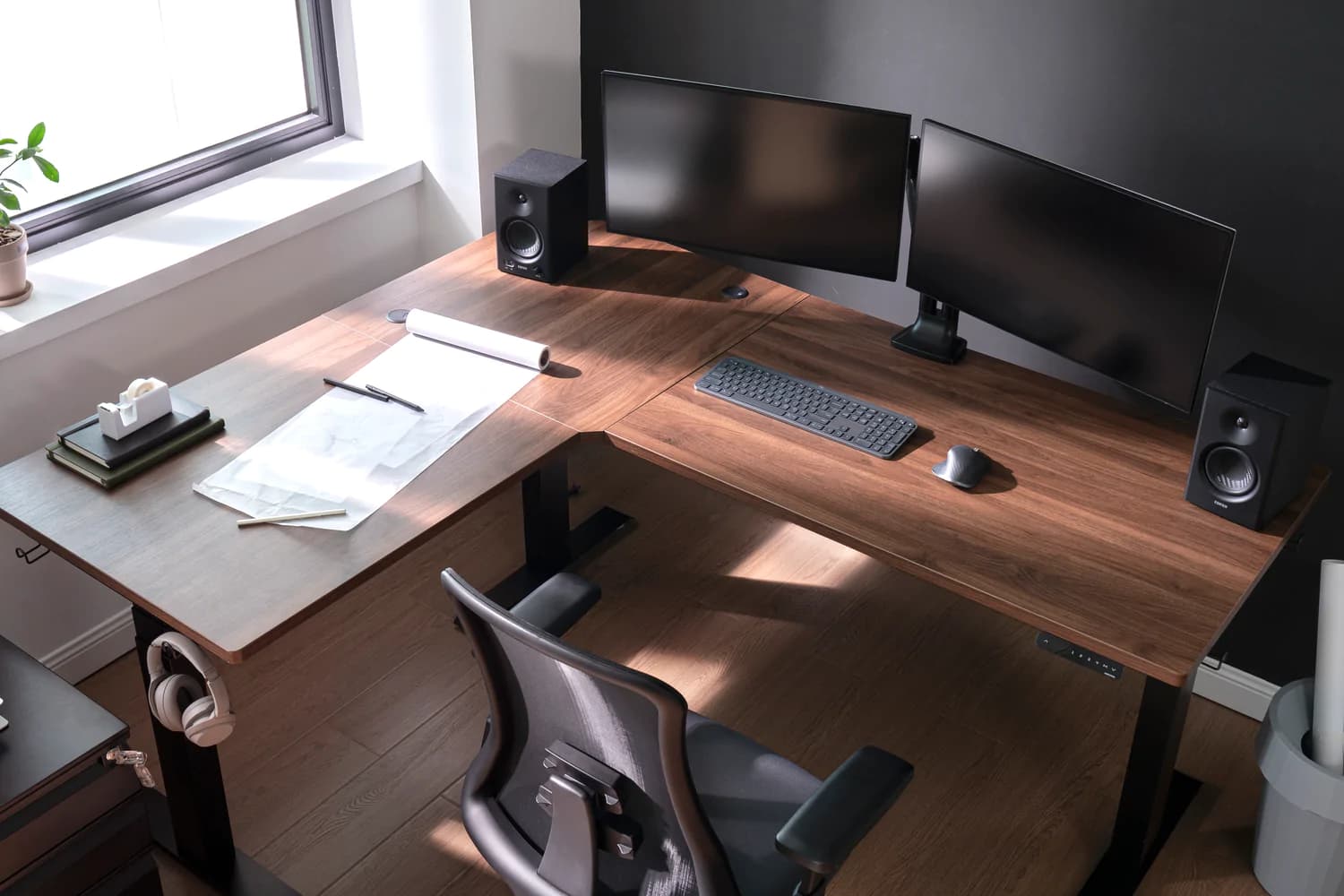
Почти каждый высокопрофильный удаленный работник использует несколько мониторов. Тим Кук известен тем, что поддерживает чистое, но обширное рабочее место. Исследования Университета Юты показали, что два монитора увеличивают продуктивность на 20–30% при выполнении задач, требующих обработки большого объема информации.
Тенденция среди лидеров в области технологий движется в сторону ультрашироких изогнутых мониторов (34–49 дюймов), которые устраняют рамки между двумя экранами, обеспечивая захватывающее поле зрения. Один 49-дюймовый ультраширокий монитор эффективно заменяет два 27-дюймовых монитора в более чистом и эргономичном исполнении.
Вам не нужно тратить тысячи, чтобы получить это преимущество. Аренда высококачественного монитора через Monis позволяет вам ощутить прирост производительности без обязательств покупки — особенно полезно, если вы тестируете, какая конфигурация лучше всего подходит для вас.
Эргономика: Неоспоримая инвестиция
Джефф Безос известен тем, что говорил, что принимает свои самые важные решения утром, когда его энергия на высоте. Но энергия — это не только сон, это то, как ваше тело чувствует себя в течение дня. Плохая эргономика истощает энергию, вызывает боль и снижает концентрацию.
Типичный удаленный офис миллиардера обычно включает:
- Эргономичное кресло (1,000–2,000+ долларов): Herman Miller Aeron, Steelcase Leap или Humanscale Freedom. Эти кресла предназначены для более чем 8 часов сидения с правильной поддержкой поясницы, регулируемыми подлокотниками и дышащей сеткой.
- Стол для сидения и стоя: Возможность чередовать сидение и стояние в течение дня снижает боль в спине и улучшает кровообращение. Uplift, Fully Jarvis и Herman Miller Nevi — популярные варианты.
- Кронштейн для монитора: Располагает экран на уровне глаз, снижая нагрузку на шею. Небольшое вложение с большими эргономическими преимуществами.
Аудио и видео: присутствие превыше всего
Когда на видеозвонке на кону стоят миллиарды долларов, выглядеть и звучать профессионально — это не опция, а необходимость. Высококлассные удаленные установки включают в себя специализированные микрофоны (Shure MV7, Rode NT-USB), веб-камеры профессионального уровня или DSLR, используемые в качестве камер, и освещение студийного качества (Elgato Key Light или кольцевые лампы).
Логика проста: во время видеозвонка качество вашего звука и видео — это ваше присутствие. Плохой звук создает впечатление, что вы не готовы. Темное, зернистое изображение делает вас незапоминающимся. Инвестирование в то, как вы выглядите на экране, — это инвестиция в то, как другие воспринимают вашу компетентность.
Связь: избыточность — ключевой фактор
Ни один успешный удаленный работник не полагается на одно интернет-соединение. Стандартный подход заключается в наличии основного высокоскоростного соединения (оптоволокно или Starlink), поддерживаемого вторичным резервным каналом (мобильная точка доступа или второй интернет-провайдер). Некоторые идут дальше, используя выделенные VPN и маршрутизаторы корпоративного уровня, которые автоматически переключаются между соединениями без разрыва активных сессий.
На Бали, где надежность интернета варьируется, этот принцип избыточности особенно важен. Сочетание местного оптоволоконного подключения с арендованным комплектом Starlink от Monis дает вам надежную установку, которая гарантирует, что вы никогда не пропустите важный звонок.
Окружающая среда: Свет, Воздух и Тишина
Естественный свет является постоянной темой в высокоэффективных рабочих пространствах. Исследования показывают, что он улучшает настроение, бдительность и качество сна. Лидеры в области технологий часто размещают свои столы рядом с окнами и дополняют их подсветкой за мониторами, чтобы уменьшить напряжение глаз.
Контроль шума также имеет важное значение. Наушники с шумоподавлением (Sony WH-1000XM5 или Apple AirPods Max) являются стандартным оборудованием. Те, у кого есть отдельные домашние офисы, вкладываются в акустические панели или просто выбирают комнаты с минимальным фоновым шумом.
Качество воздуха имеет большее значение, чем многие думают. Уровень CO2 в закрытом помещении может ухудшить когнитивные функции в течение нескольких часов. Очиститель воздуха и регулярная вентиляция помогают поддерживать ясность ума.
80/20 для отличной удаленной работы
Вам не нужен бюджет миллиардера, чтобы работать как он. Наиболее значимые инвестиции, в порядке убывания, это:
- Надежный интернет — все остальное не имеет значения, если ваше соединение прерывается.
- Внешний монитор — самое значительное повышение производительности для любого пользователя ноутбука.
- Эргономичное кресло — защищает ваше здоровье и уровень энергии во время длительных рабочих сессий.
- Качественный звук — хороший микрофон делает ваш голос профессиональным на каждом звонке.
- Правильное освещение — естественный свет и простая настольная лампа преобразят как ваше настроение, так и ваше видео-присутствие.
На Бали Monis делает все это доступным через гибкую аренду. Вместо того чтобы покупать оборудование, которое может понадобиться вам всего на несколько месяцев, вы можете создать рабочее пространство уровня миллиардера на бюджет кочевника — и вернуть все, когда переедете.
Идеальная рабочая обстановка — это не про роскошь, а про устранение препятствий между вами и вашей лучшей работой. Миллиардеры понимают, что каждый элемент их окружения либо поддерживает, либо подрывает их производительность. Применяя те же принципы — надежное подключение, эргономичный комфорт, четкий звук и видео, а также среду без отвлекающих факторов — вы можете работать на высшем уровне из любой точки мира.
Часто задаваемые вопросы
Большинство ведущих специалистов используют ультраширокие изогнутые мониторы (34–49 дюймов) или двойные мониторы. Популярные варианты включают Apple Pro Display XDR, LG UltraWide и серию Samsung Odyssey.